
The best place for your Wi‑Fi router: 12 mistakes to avoid
Slow internet at home? Learn 12 Wi‑Fi router placement mistakes to avoid, where to put it for stronger signal, and fixes like 5 GHz, mesh and firmware updates.
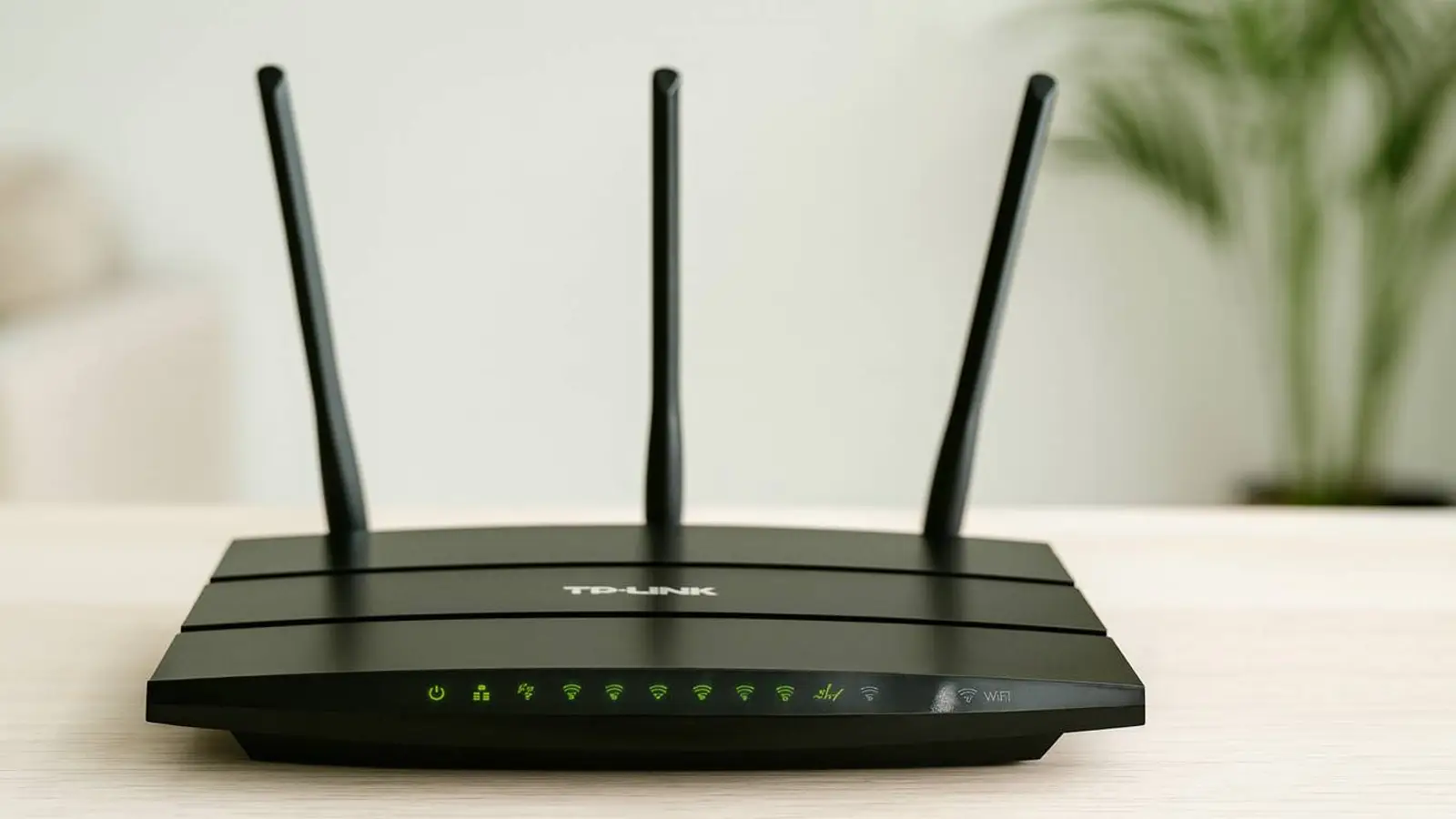
Generated by DALL·E
When the internet suddenly slows to a crawl, most people point the finger at their provider. Yet experience shows that’s not always fair. More often, the real culprit is where the router “lives.” Pick the wrong corner, and even a powerful, modern device can feel underwhelming.
Here are 12 of the most common mistakes that undermine Wi‑Fi, plus a straightforward guide to finding the router’s sweet spot.
Heat hazards: hiding the router in a cabinet is a bad idea
It’s tempting to tuck the router out of sight—into a closet, behind a curtain, under a stack of clothes. But routers generate heat, especially when they’re handling TVs, security cameras and smart‑home gear. Cut off ventilation and you invite overheating. In the best case, performance dips; in the worst, the casing can deform. The safer choice is to keep the device out in the open so air circulates freely.
Metal and mirrors: invisible “walls” for the signal
Metal surfaces reflect radio waves, so the signal starts bouncing around. Mirrors behave similarly: their backing is a metal layer that can weaken the connection. Parking the router near safes, radiators, a large mirror or metal furniture often leads to an unstable network.
Water near the router is a sure way to lose speed
Water absorbs radio waves remarkably well. Even a vase or large carafe can hurt performance—an aquarium all the more so. If your internet suddenly sags in the living room, check whether the router sits next to a container of water.
Household appliances create strong interference
- The kitchen is the most problematic place for Wi‑Fi.
A microwave operates at a frequency that overlaps the 2.4 GHz band, and older fridges and TVs create interference too. If you use a dual‑band router, switch to 5 GHz—it’s less sensitive to household appliances.
- Fluorescent lamps also interfere with the airwaves
Energy‑saving lamps, especially older ones, emit radio noise when switched on. If the router is nearby, the connection may lag every morning when you turn on the lights.
Furniture and books are invisible signal absorbers
Stashing the router in a glass‑front cabinet or on a book‑packed shelf looks tidy, but dense materials soak up Wi‑Fi. The thicker the barrier between the router and your devices, the weaker the signal.
The bedroom is a questionable spot
Although scientists have not proven harm from Wi‑Fi, specialists advise against placing the device close to the bed. A bedroom isn’t ideal for gear that runs around the clock.
Putting the router on the floor is common—and unhelpful
Down on the floor, the signal weakens: the wave travels into the concrete subfloor. The device is also easy to bump and damage. Aim for 1–1.5 meters above the floor.
A kids’ room isn’t ideal either
Experts recommend placing equipment away from areas where children sleep and study. The safest bet is a hallway or living room, where the hardware stays out of the way and out of mind.
Overlooking the apartment’s layout
Thick walls, recesses, underfloor heating, reinforced partitions—these all distort how the signal travels. A short walk around the home with an app that measures Wi‑Fi levels helps pinpoint the optimal spot.
One router isn’t the answer for large apartments
If your place is over 70–80 square meters, the signal simply can’t blanket every room evenly.
The fix: repeaters or mesh systems. They create one strong network without “gaps.”
Outdated firmware and default settings
Placement isn’t everything—you also need to keep the device in good shape. Updates improve stability, strengthen security and reduce interference. A quick check of the settings now and then helps avoid speed woes.
The ideal router spot: a short checklist
- Near the center of the apartment
- At 1–1.5 meters high
- Away from mirrors, water and metal
- Not in the kitchen
- Not in a cabinet and not on the floor
- Away from the kids’ room
- On an open shelf, not in an enclosed space
Place the router wisely and your internet will feel noticeably faster—no new plan or hardware required.