https://boda.su/en/posts/id3231-stop-screen-flicker-on-your-tv-or-monitor-power-safe-fixes
Stop screen flicker on your TV or monitor: power-safe fixes
How to stop screen flicker on your TV or monitor
Stop screen flicker on your TV or monitor: power-safe fixes
TV or monitor flicker is often a power issue. Learn quick fixes: use a dedicated outlet, check HDMI and power strips, or add a voltage stabilizer at home.
2025-12-13T20:20:43+03:00
2025-12-13T20:20:43+03:00
2025-12-13T20:20:43+03:00
Screen flicker on a TV or monitor is a common household headache. The picture seems to drift, bands appear, or there’s a slight tremor. Owners often suspect the hardware, yet the cause is frequently more mundane—the electricity at home.In many cases, the interference comes from an overloaded circuit, when the TV shares a line with power‑hungry appliances.Why screens stumbleModern TVs and monitors are sensitive to voltage swings. When a kettle, microwave, heater, or electric grill switches on nearby, brief fluctuations ripple through the circuit. Kitchen appliances barely notice them, but displays react instantly. Those small jolts show up as a telltale pulsing on the image.The simplest fix: a separate lineExperts suggest starting small. Unplug the TV or monitor from a power strip that also feeds other heavy‑duty devices and move it to a dedicated outlet. Sometimes even relocating the set to the next room helps—it all depends on how the wiring is laid out.When a voltage stabilizer makes senseIf the flicker keeps returning even after changing outlets, a voltage stabilizer can help. It smooths out spikes and delivers steady power to the TV. This is especially relevant in older homes where the electrical network is worn and loads are distributed unevenly.What else to checkTo rule out other causes, it’s worth checking a few basics:the condition of the HDMI cable;how firmly the plugs are seated;the state of the power strip;how the TV works without extra devices (set‑top box, receiver, laptop).Sometimes the issue disappears after simply replacing a cable that has lost reliable contact.No panic: the hardware is usually fineFlicker is annoying, but in most cases it can be fixed in minutes. Moving the plug to another outlet—or installing a stabilizer—solves the problem without repairs or a service call. In practice, a couple of quick checks often steadies the picture.
screen flicker, TV flicker, monitor flicker, overloaded circuit, separate outlet, dedicated line, voltage stabilizer, HDMI cable, power strip, electrical interference, old wiring, troubleshooting
2025
articles
How to stop screen flicker on your TV or monitor
TV or monitor flicker is often a power issue. Learn quick fixes: use a dedicated outlet, check HDMI and power strips, or add a voltage stabilizer at home.
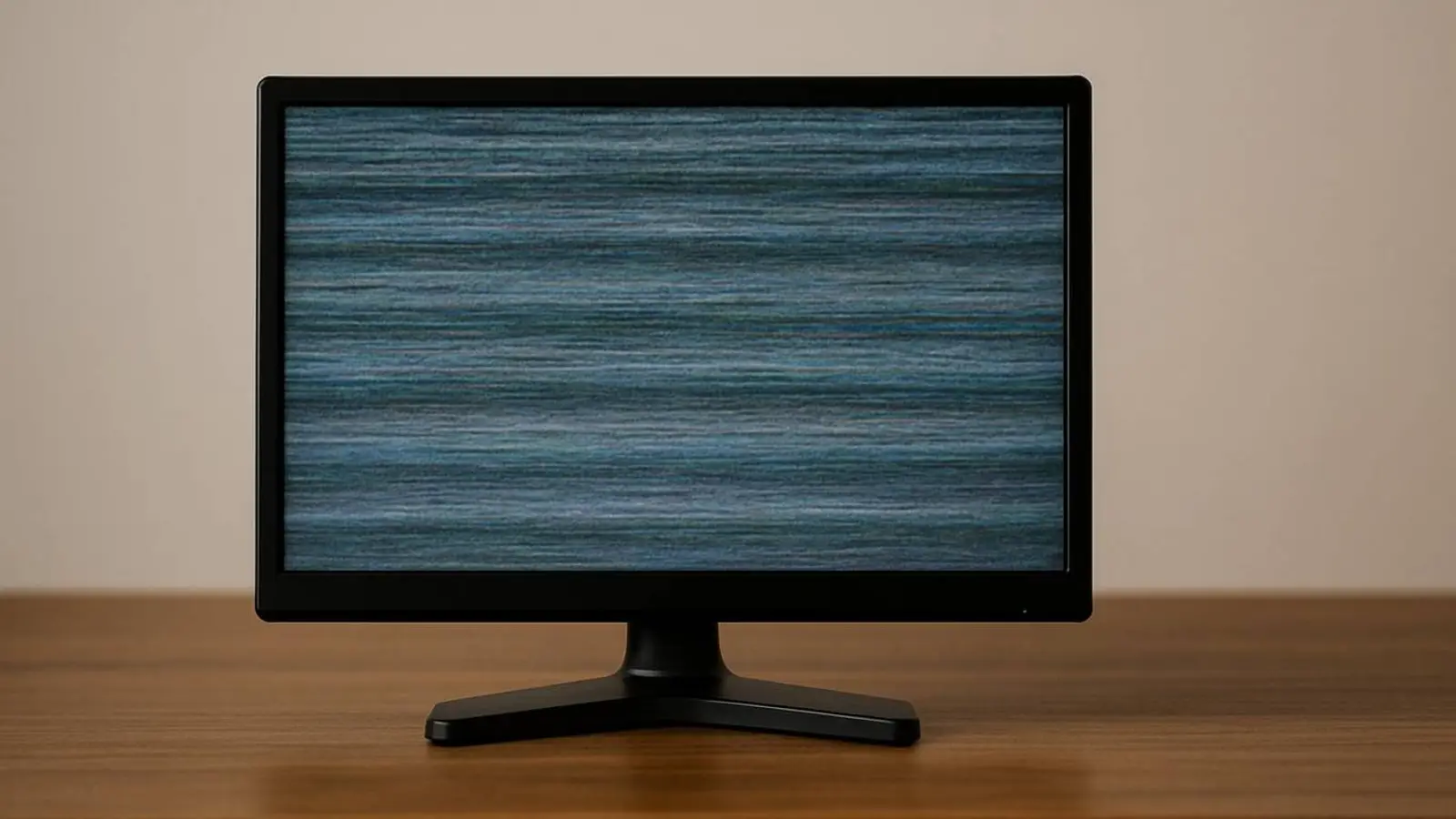
Generated by DALL·E
Screen flicker on a TV or monitor is a common household headache. The picture seems to drift, bands appear, or there’s a slight tremor. Owners often suspect the hardware, yet the cause is frequently more mundane—the electricity at home.
In many cases, the interference comes from an overloaded circuit, when the TV shares a line with power‑hungry appliances.
Why screens stumble
Modern TVs and monitors are sensitive to voltage swings. When a kettle, microwave, heater, or electric grill switches on nearby, brief fluctuations ripple through the circuit. Kitchen appliances barely notice them, but displays react instantly. Those small jolts show up as a telltale pulsing on the image.
The simplest fix: a separate line
Experts suggest starting small. Unplug the TV or monitor from a power strip that also feeds other heavy‑duty devices and move it to a dedicated outlet. Sometimes even relocating the set to the next room helps—it all depends on how the wiring is laid out.
When a voltage stabilizer makes sense
If the flicker keeps returning even after changing outlets, a voltage stabilizer can help. It smooths out spikes and delivers steady power to the TV. This is especially relevant in older homes where the electrical network is worn and loads are distributed unevenly.
What else to check
To rule out other causes, it’s worth checking a few basics:
- the condition of the HDMI cable;
- how firmly the plugs are seated;
- the state of the power strip;
- how the TV works without extra devices (set‑top box, receiver, laptop).
Sometimes the issue disappears after simply replacing a cable that has lost reliable contact.
No panic: the hardware is usually fine
Flicker is annoying, but in most cases it can be fixed in minutes. Moving the plug to another outlet—or installing a stabilizer—solves the problem without repairs or a service call. In practice, a couple of quick checks often steadies the picture.