https://boda.su/en/posts/id3221-why-your-smart-tv-is-slow-acr-apps-and-quick-fixes
Why your smart TV is slow: ACR, apps, and quick fixes
Speed up your smart TV: disable ACR, clear cache, or add a box
Why your smart TV is slow: ACR, apps, and quick fixes
Smart TV feeling sluggish? Learn how ACR, background apps, power-saving modes, and cache bloat slow it down—and the steps to speed it up or use a streaming box.
2025-12-13T18:15:22+03:00
2025-12-13T18:15:22+03:00
2025-12-13T18:15:22+03:00
Today’s smart TVs have long outgrown the role of a simple screen. They run full operating systems with a bundle of services and dozens of background tasks. Over time, that stack weighs on limited hardware, and the interface starts reacting more slowly.What’s happening behind the scenesManufacturers lean heavily on ACR—automatic content recognition. It analyzes what viewers watch and sends that information to company servers. The constant exchange puts strain on the processor and the network, slowing things down even in basic menus.At the same time, the TV updates apps, pulls in recommendations and advertising. None of this shows up on screen, yet this background bustle is often what causes hiccups and stutter when switching between services.When settings work against speedMany models ship with power-saving modes enabled by default. They cut performance to save electricity. Motion-enhancement features have a similar effect: smoothing the picture consumes a noticeable share of resources.Stalled apps and a clogged cacheAnother culprit is the pileup of apps and a bloated cache. Some programs keep running in the background even when they’re not in use. That eats up memory and slows the system. Regularly clearing the cache, removing unneeded services, and disabling extra processes often brings back the snappy feel.When it’s time to add a streaming boxIf the interface still drags after all that, the fix may lie outside the TV. Devices like Apple TV take over the processing while the television serves as a display. This approach lets you update the platform without buying a new set. ACR can also be disabled on the box if desired, reducing background processes.
smart TV slow, ACR, automatic content recognition, background apps, clear cache, power-saving mode, motion smoothing, streaming box, Apple TV, speed up smart TV, TV lag, TV performance
2025
articles
Speed up your smart TV: disable ACR, clear cache, or add a box
Smart TV feeling sluggish? Learn how ACR, background apps, power-saving modes, and cache bloat slow it down—and the steps to speed it up or use a streaming box.
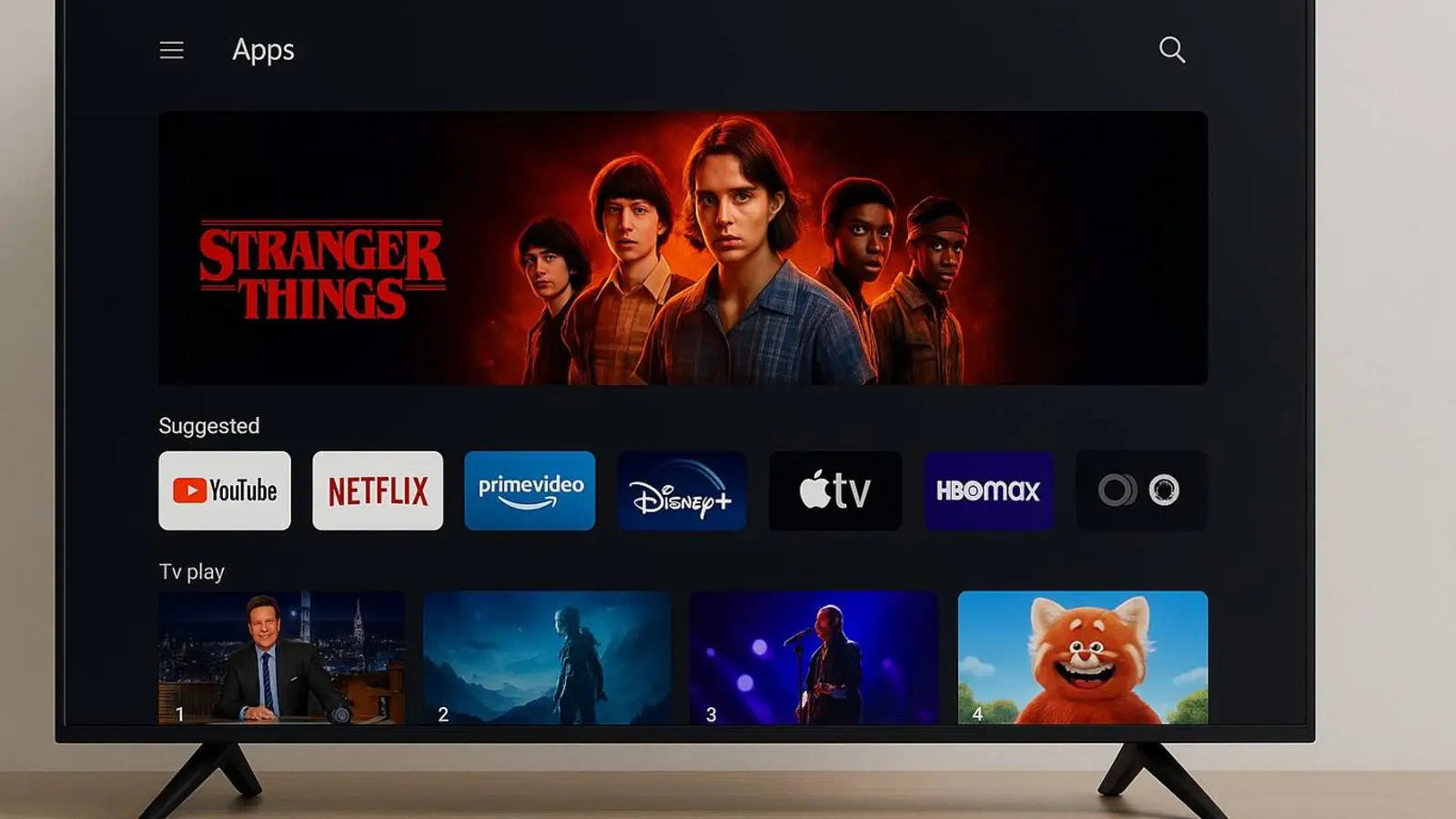
Generated by DALL·E
Today’s smart TVs have long outgrown the role of a simple screen. They run full operating systems with a bundle of services and dozens of background tasks. Over time, that stack weighs on limited hardware, and the interface starts reacting more slowly.
What’s happening behind the scenes
Manufacturers lean heavily on ACR—automatic content recognition. It analyzes what viewers watch and sends that information to company servers. The constant exchange puts strain on the processor and the network, slowing things down even in basic menus.
At the same time, the TV updates apps, pulls in recommendations and advertising. None of this shows up on screen, yet this background bustle is often what causes hiccups and stutter when switching between services.
When settings work against speed
Many models ship with power-saving modes enabled by default. They cut performance to save electricity. Motion-enhancement features have a similar effect: smoothing the picture consumes a noticeable share of resources.
Stalled apps and a clogged cache
Another culprit is the pileup of apps and a bloated cache. Some programs keep running in the background even when they’re not in use. That eats up memory and slows the system. Regularly clearing the cache, removing unneeded services, and disabling extra processes often brings back the snappy feel.
When it’s time to add a streaming box
If the interface still drags after all that, the fix may lie outside the TV. Devices like Apple TV take over the processing while the television serves as a display. This approach lets you update the platform without buying a new set. ACR can also be disabled on the box if desired, reducing background processes.