
Why one wireless earbud stops working and how to fix it
Troubleshoot one earbud not working: check battery and contacts, clean the grille, reset and re‑pair, adjust audio balance, update firmware, or seek service.
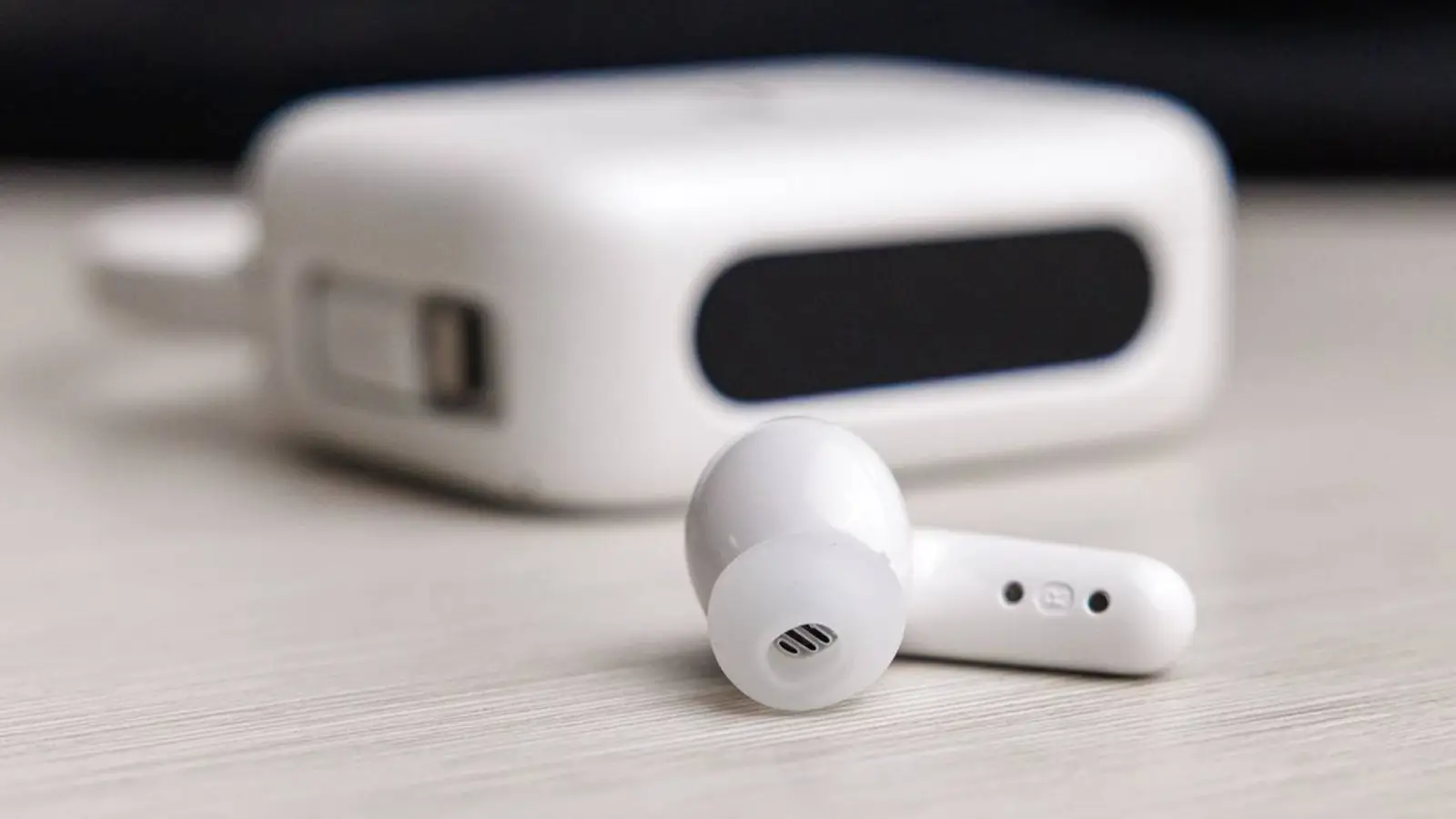
© A. Krivonosov
Wireless earbuds have become part of the daily kit. Yet every so often one side suddenly goes silent. The causes range from minor hiccups to real hardware trouble. Below are the most common scenarios described in real manuals and articles, along with fixes that usually get sound back.
Why one earbud may stop working
Battery drained or no power
One of the typical situations is simple: an earbud won’t power on. It can discharge faster than the other, especially if it acts as the primary unit that maintains the link with your device. Sometimes charging fails because the contacts are dirty or the bud doesn’t sit snugly in the case.
Poor contact in the charging case
If an earbud charges poorly or not at all, it’s worth checking the contacts. Dust and residue block the connection to power, so the bud may “look” as if it’s charging in the case while no charge is actually flowing.
Desynchronization between earbuds
Bluetooth pairing can fall out of sync, and the earbuds stop working together. One earbud connects to the phone while the other stays out of the loop. In some menus you may even see two separate devices, and audio goes to only one of them.
Sound balance settings
Sometimes the issue is hiding in your phone or computer settings. If the balance is shifted left or right, audio can be sent entirely to one channel, creating the impression of a faulty earbud.
Bluetooth glitch
After using another device or due to a software hiccup, the buds may connect incorrectly. In practice, re-pairing often clears this up.
Debris on the speaker grille
Over time, dust and earwax collect on the grille. The sound gets quieter or disappears altogether—common, especially with daily use.
Interference and weak signal
A busy environment with lots of Bluetooth or Wi‑Fi signals can cause dropouts, and one earbud may occasionally disconnect.
Firmware issues
Some models rely on app or firmware updates. Older versions may contain bugs that affect the stability of the pair.
Hardware failure
Drops, water exposure, or overheating can damage the electronics or battery. Such an earbud typically ignores buttons and doesn’t show up during pairing.
What you can try
Check the charge
Place both earbuds in the case, charge the case, and let the buds sit for a few minutes. This often helps when they’re partially drained or not making contact.
Clean contacts and the grille
Gently wipe the contacts with a dry cloth or cotton swab. Use a soft brush for the speaker grille, avoiding pressure to prevent damage.
Make sure the earbud powers on
Press and hold the button or touch area for a few seconds. If the indicator stays dark, the issue may be more serious.
Reset and re‑pair the earbuds
Remove the device from your phone’s Bluetooth list, then perform a reset following the manufacturer’s instructions. Connect them again as a new pair. In many cases, this restores two‑earbud playback.
Check audio settings
Open the channel balance settings and ensure the slider is centered. Also confirm the correct audio output is selected.
Test with another device
If both earbuds work on a different phone or computer, the issue likely sits in the original device’s settings. If they still fail, the problem is in the earbuds themselves.
Update firmware
If your model supports updates, look for them in the companion app. After updating, earbuds often behave more consistently.
Contact a service center
If an earbud ignores charging and reset, diagnostics are likely needed. Under warranty, devices are usually repaired or replaced. For budget models out of warranty, repair often costs nearly as much as a new pair.
How to avoid it next time
- Clean your earbuds and case regularly.
- Store them in the case, not loose in a pocket or bag.
- Keep an eye on the case’s charge level.
- Avoid using just one earbud for long stretches—desync shows up faster that way.
- Keep them away from moisture and extreme temperatures.
- Check for software updates from time to time.
In most situations, a “silent” earbud comes back to life after simple steps. Cleaning, re‑pairing, and a quick settings check help more often than it seems. If nothing changes, it’s safer to let specialists run diagnostics—this pinpoints the cause and resolves the issue without extra risk.