https://boda.su/en/posts/id3111-max-tv-brightness-hurts-backlights-and-oled-lifespan
Max TV brightness hurts backlights and OLED lifespan
Why running your TV at max brightness shortens its life
Max TV brightness hurts backlights and OLED lifespan
Learn how max TV brightness strains backlights and OLED pixels, causing heat and burn-in. Use simple settings to cut wear and extend your screen life.
2025-12-12T20:59:12+03:00
2025-12-12T20:59:12+03:00
2025-12-12T20:59:12+03:00
Modern TVs love to flaunt their peak brightness. It truly helps in daylight and makes fast action easier to follow. But cranking that slider to the max tends to backfire on the hardware itself: higher brightness draws more power, builds more heat, and the more often a set runs at its limits, the faster the panel ages.The wear sneaks up quietly: uniformity slips, dim patches or glow appear, and the backlight’s lifespan shrinks.Which backlight designs suffer mostNot every TV handles stress the same way. The backlight architecture largely determines how quickly the screen will feel the consequences.Edge-litThis is the most sensitive approach. LEDs sit along the frame, so heat spreads unevenly. Insufficient heat dissipation makes certain zones age faster, leaving blotches on the screen.Direct-lit and full-arrayThis setup is more resilient. LEDs cover the full area behind the panel, reducing hot spots. Still, if maximum brightness is your default, unevenness can creep in over time here as well.Mini-LEDA newer technology that delivers higher brightness and better thermal stability. Even so, when pushed to extremes, it too can gradually develop burned-out zones.Why OLED is especially vulnerableOLED TVs don’t use a separate backlight: each pixel emits its own light. That’s how they deliver deep blacks and dramatic contrast. The trade-off is clear—at high brightness, pixels work harder, deplete their lifespan faster, and are more prone to retention. Faint “ghosts” can linger from channel logos, static menus, or game interfaces, and there’s no way to restore them.How to help your TV last longerReducing risk is simple—follow a few easy habits.Avoid keeping brightness at 90–100% all the time.Most scenes don’t require that setting.Enable automatic brightness control.It adapts the picture to the room’s lighting.Dim the lights.In comfortable half-light, the image looks better without overloading the panel.Choose models with headroom for brightness.High-end TVs let you use moderate settings without losing quality.Peak brightness is a handy option for a sunny day, not a permanent mode. Heat and strain on the backlight or self‑emissive pixels shorten the screen’s lifespan, and panel repairs can cost nearly as much as a new TV. Moderation in settings helps the hardware last longer—and keeps the picture steadier for years.
TV brightness, peak brightness, backlight, edge-lit, direct-lit, full-array, mini-LED, OLED, burn-in, image retention, screen uniformity, heat, lifespan, automatic brightness, dimming, TV care
2025
articles
Why running your TV at max brightness shortens its life
Learn how max TV brightness strains backlights and OLED pixels, causing heat and burn-in. Use simple settings to cut wear and extend your screen life.
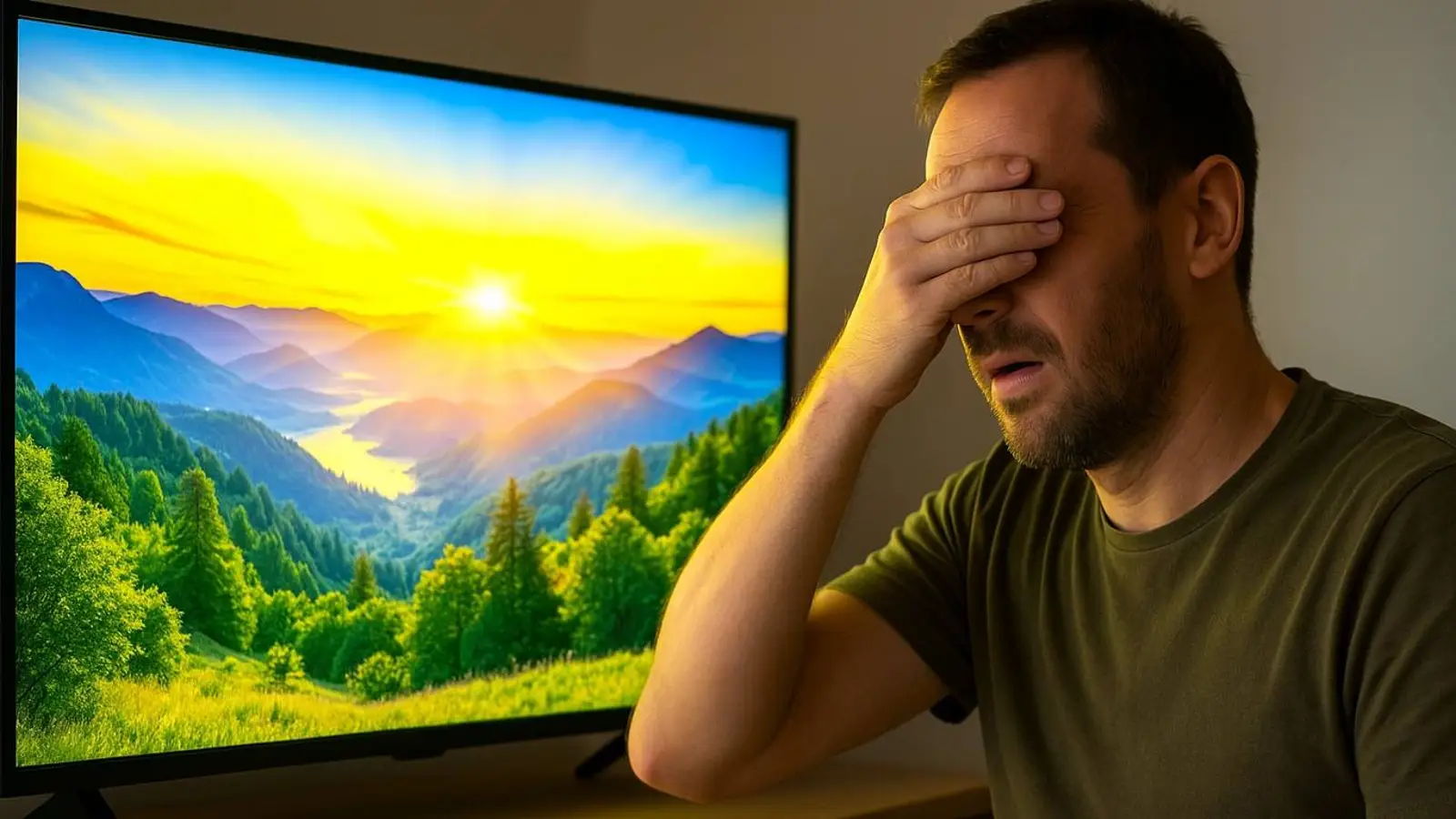
Generated by DALL·E
Modern TVs love to flaunt their peak brightness. It truly helps in daylight and makes fast action easier to follow. But cranking that slider to the max tends to backfire on the hardware itself: higher brightness draws more power, builds more heat, and the more often a set runs at its limits, the faster the panel ages.
The wear sneaks up quietly: uniformity slips, dim patches or glow appear, and the backlight’s lifespan shrinks.
Which backlight designs suffer most
Not every TV handles stress the same way. The backlight architecture largely determines how quickly the screen will feel the consequences.
Edge-lit
This is the most sensitive approach. LEDs sit along the frame, so heat spreads unevenly. Insufficient heat dissipation makes certain zones age faster, leaving blotches on the screen.
Direct-lit and full-array
This setup is more resilient. LEDs cover the full area behind the panel, reducing hot spots. Still, if maximum brightness is your default, unevenness can creep in over time here as well.
Mini-LED
A newer technology that delivers higher brightness and better thermal stability. Even so, when pushed to extremes, it too can gradually develop burned-out zones.
Why OLED is especially vulnerable
OLED TVs don’t use a separate backlight: each pixel emits its own light. That’s how they deliver deep blacks and dramatic contrast. The trade-off is clear—at high brightness, pixels work harder, deplete their lifespan faster, and are more prone to retention. Faint “ghosts” can linger from channel logos, static menus, or game interfaces, and there’s no way to restore them.
How to help your TV last longer
Reducing risk is simple—follow a few easy habits.
- Avoid keeping brightness at 90–100% all the time.
- Most scenes don’t require that setting.
- Enable automatic brightness control.
- It adapts the picture to the room’s lighting.
- Dim the lights.
- In comfortable half-light, the image looks better without overloading the panel.
- Choose models with headroom for brightness.
High-end TVs let you use moderate settings without losing quality.
Peak brightness is a handy option for a sunny day, not a permanent mode. Heat and strain on the backlight or self‑emissive pixels shorten the screen’s lifespan, and panel repairs can cost nearly as much as a new TV. Moderation in settings helps the hardware last longer—and keeps the picture steadier for years.